Swipe to decide
Right to keep, left to bin, up to decide later. Fast cards for photos, screenshots, videos, documents, PDFs, APKs, archives and audio.
The offline, private storage cleaner for Android. Keep right, bin left, free up gigabytes in minutes.
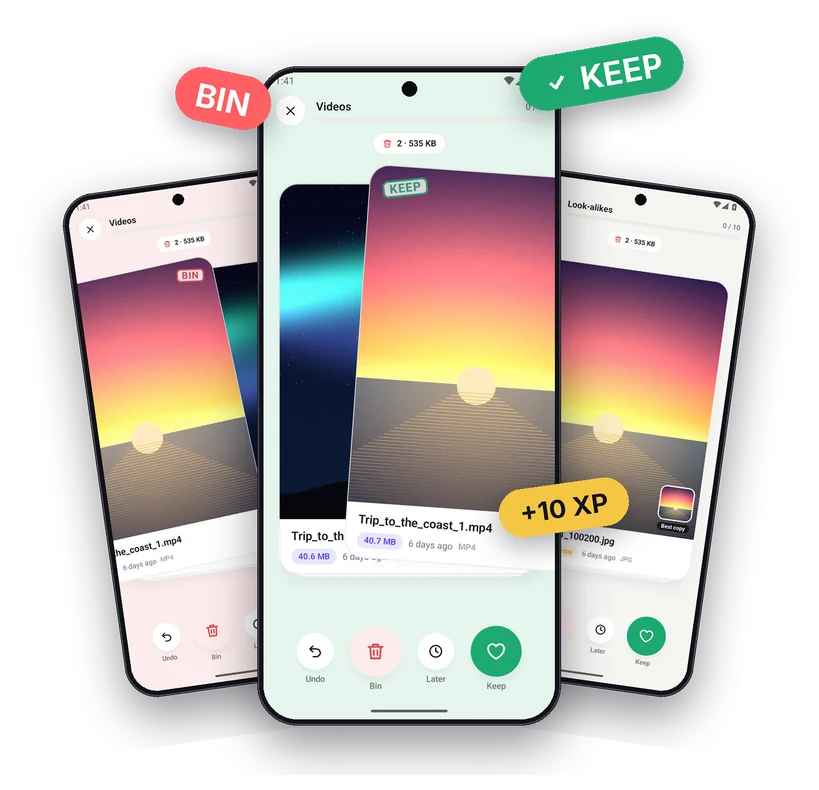
Clean Swipe turns storage cleanup into a quick game. Everything you need to find what's eating your space and remove it with confidence.
Right to keep, left to bin, up to decide later. Fast cards for photos, screenshots, videos, documents, PDFs, APKs, archives and audio.
Finds exact copies and near-identical photos on your phone, and suggests the best one to keep.
Videos auto-play on the card. Tap for full-screen zoom, video with sound, audio and PDF pages.
Swiped files wait in the bin. Emptying it moves them to Recently deleted for about 30 days on Android 11+.
XP, levels, daily streaks, combos and 20 badges, plus shareable cards to show how much space you freed.
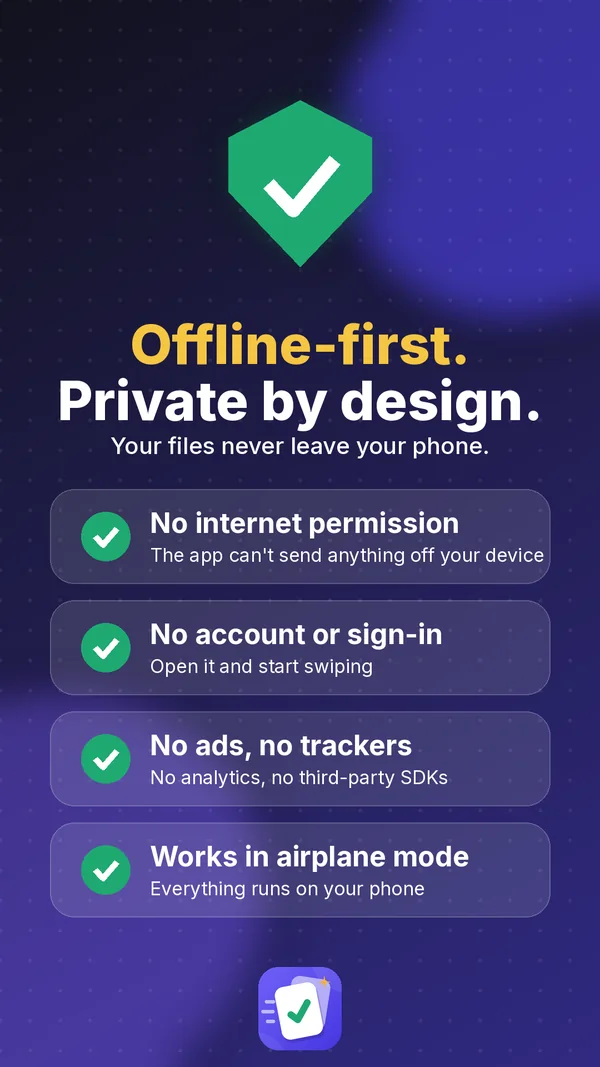
No Internet permission, no account, no ads, no trackers. Everything runs on your device.
Three steps, no setup.
Photos, screenshots, videos, duplicates, PDFs and more. Biggest files come first.
Keep right, bin left, later up. Undo any swipe. Combos and XP make it addictive.
See exactly how much space you freed. Changed your mind? Restore from Recently deleted.
Your photos and files are yours. Clean Swipe never needs the Internet, so it can't send them anywhere.
Light and dark themes, built for phones and larger screens.
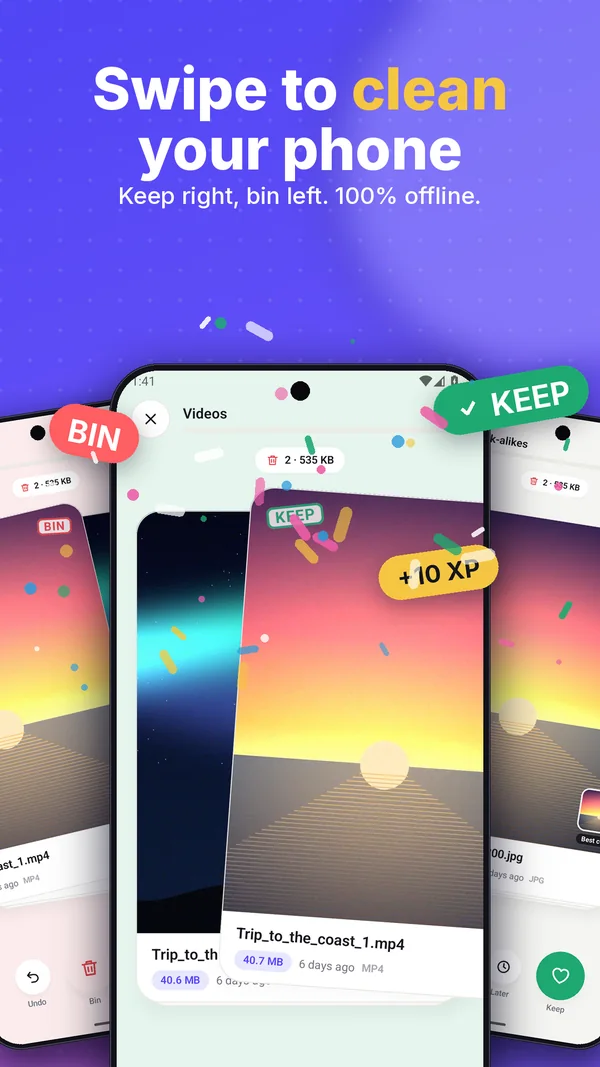
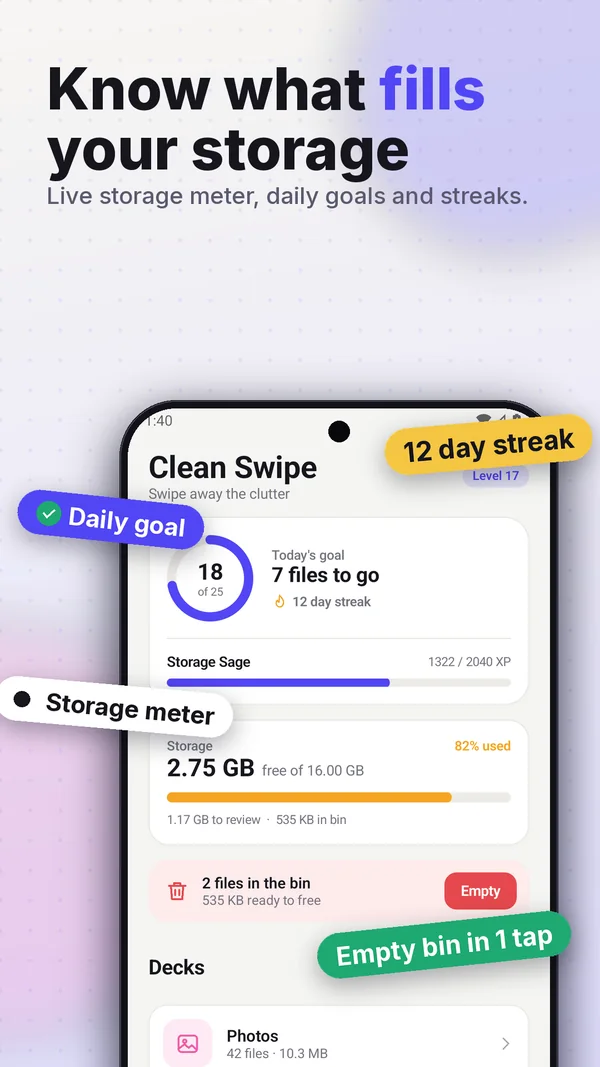
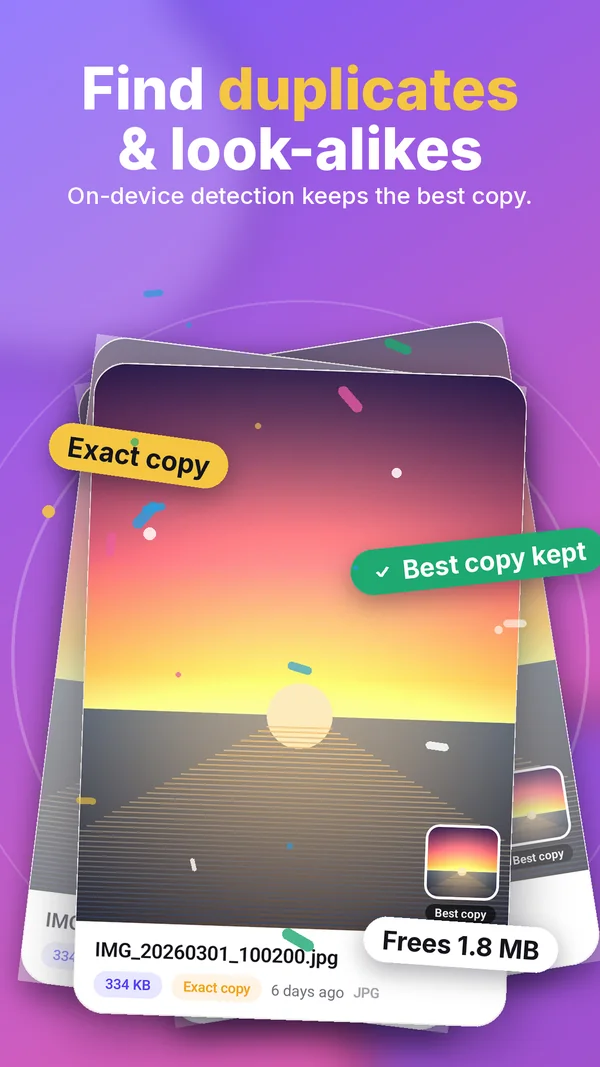
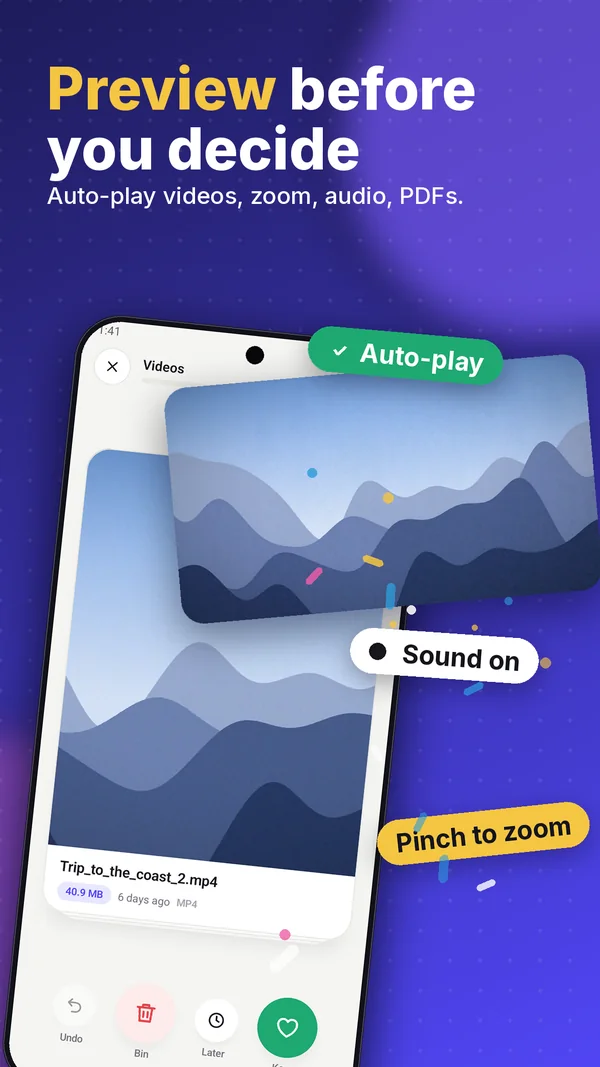
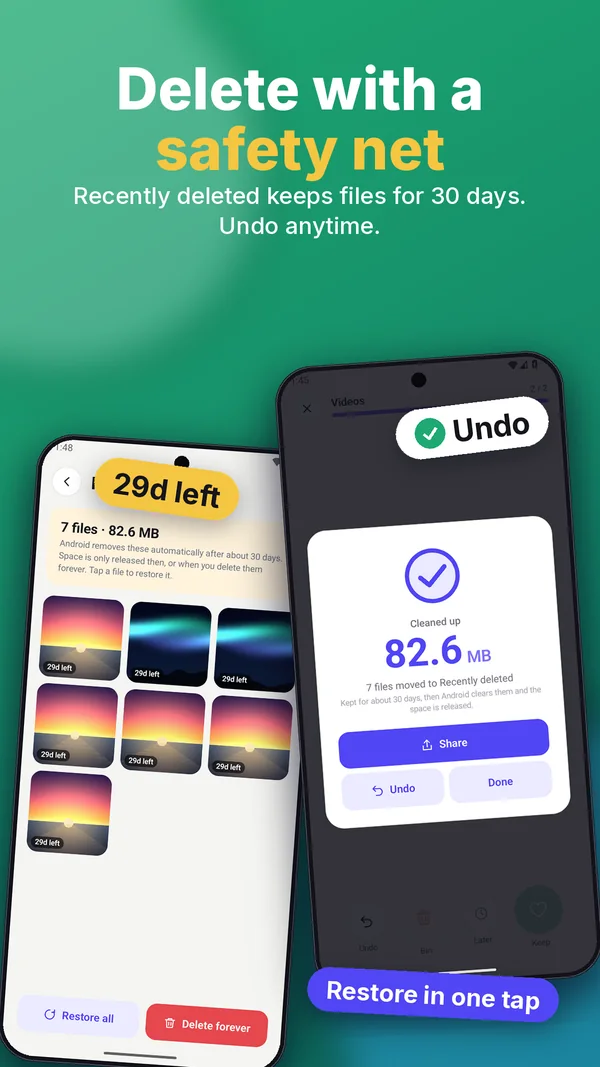
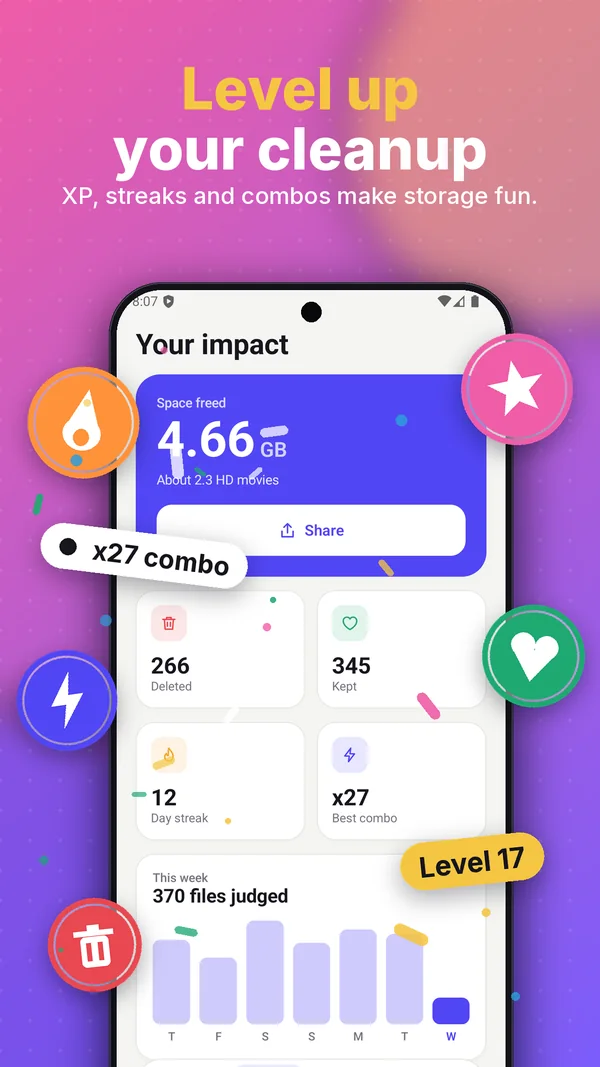
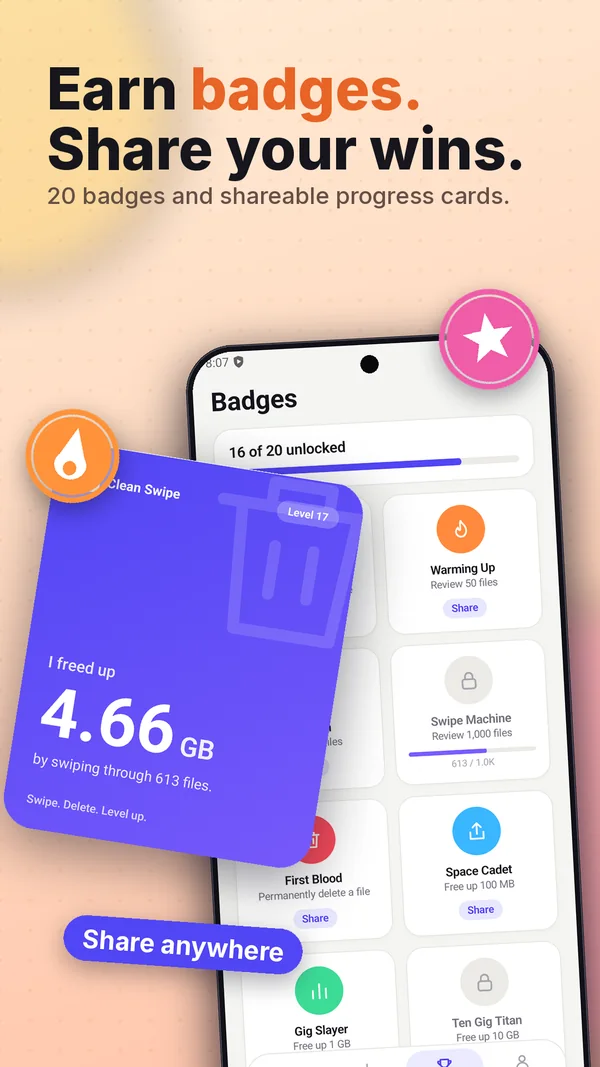
Watch the swipe, the duplicate finder and the safety net in action.
Quick answers about privacy, deleting and permissions.
Yes. Clean Swipe works fully offline, even in airplane mode. It does not request the Internet permission, so it has no way to upload your files or data.
Yes. There are no ads, no account and no in-app purchases.
It runs on your phone. Clean Swipe reads small thumbnails of your photos to build a fingerprint of each one, groups exact copies and near-identical shots (such as burst photos or resized copies), and shows you which copy it suggests keeping. Nothing is uploaded.
On Android 11 and newer, emptying the bin moves files to Recently deleted for about 30 days, and you can restore them with one tap. On older Android versions there is no system trash, so deletion is permanent. Files only ever leave your bin when you choose.
Only to list documents, PDFs, APKs and archives. Android 11 and newer hides these from normal media access. The permission is optional: without it, those decks stay locked and photos, videos, screenshots and audio still work.
Android 8.0 (API 26) and newer.
No. There is no analytics, no advertising SDK and no tracking. See the privacy policy for details.
Swipe for a minute. Free up gigabytes. Keep every file you love.
Get it on Google Play